

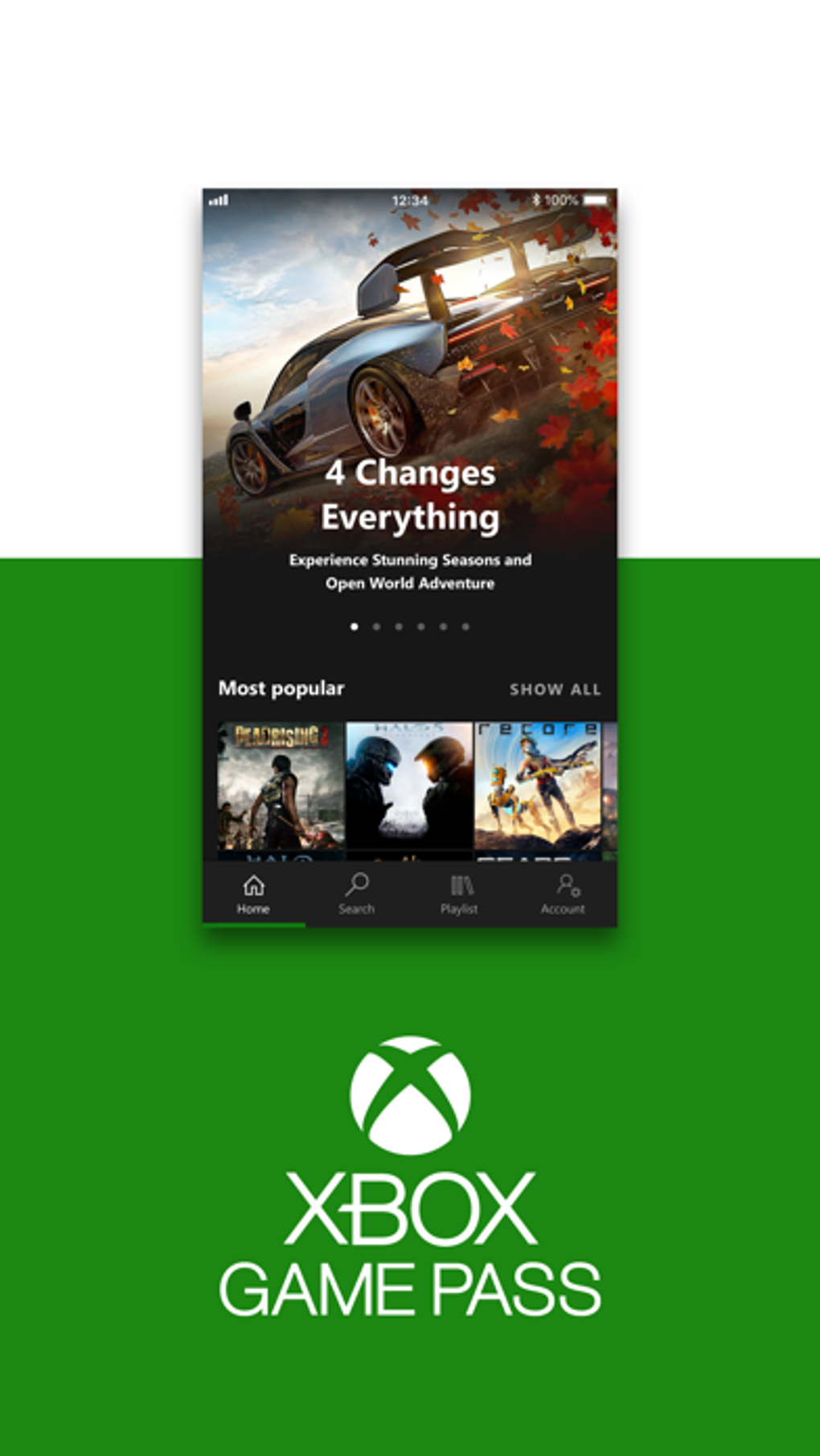

Play 100+ Xbox Games on PC & Console
Overview
Xbox Game Pass is a desktop application designed to provide users with seamless access to a vast library of over 100 Xbox games, spanning from original Xbox titles to the latest releases on Xbox 360 and beyond. As a game utility app, it enables users to browse, queue, and download games directly to their Windows or Mac devices. The software serves as a central hub for managing game subscriptions, offering remote control capabilities for Xbox One consoles and access to the Xbox Game Pass Ultimate experience across platforms. It is particularly suited for casual and dedicated gamers, as well as those invested in the Microsoft gaming ecosystem.
The application streamlines the process of game discovery and installation, allowing users to select titles such as Minecraft Dungeons, Call of Duty: Modern Warfare, Red Dead Redemption 2, FIFA, and Fortnite for download and play. Users can also manage their game library remotely by setting a default Xbox One device through the app’s settings. This functionality enhances cross-device gameplay, enabling users to start a game on one platform and continue on another. Additionally, the app integrates with Microsoft Rewards Quests, allowing users to track, complete, and redeem points earned through various in-app activities.
Key Features & Capabilities
- Access to 100+ Games – Browse and download a wide selection of Xbox titles across multiple generations, including legacy and current releases.
- Remote Console Management – Set a default Xbox One device and manage game installations remotely from your PC or Mac.
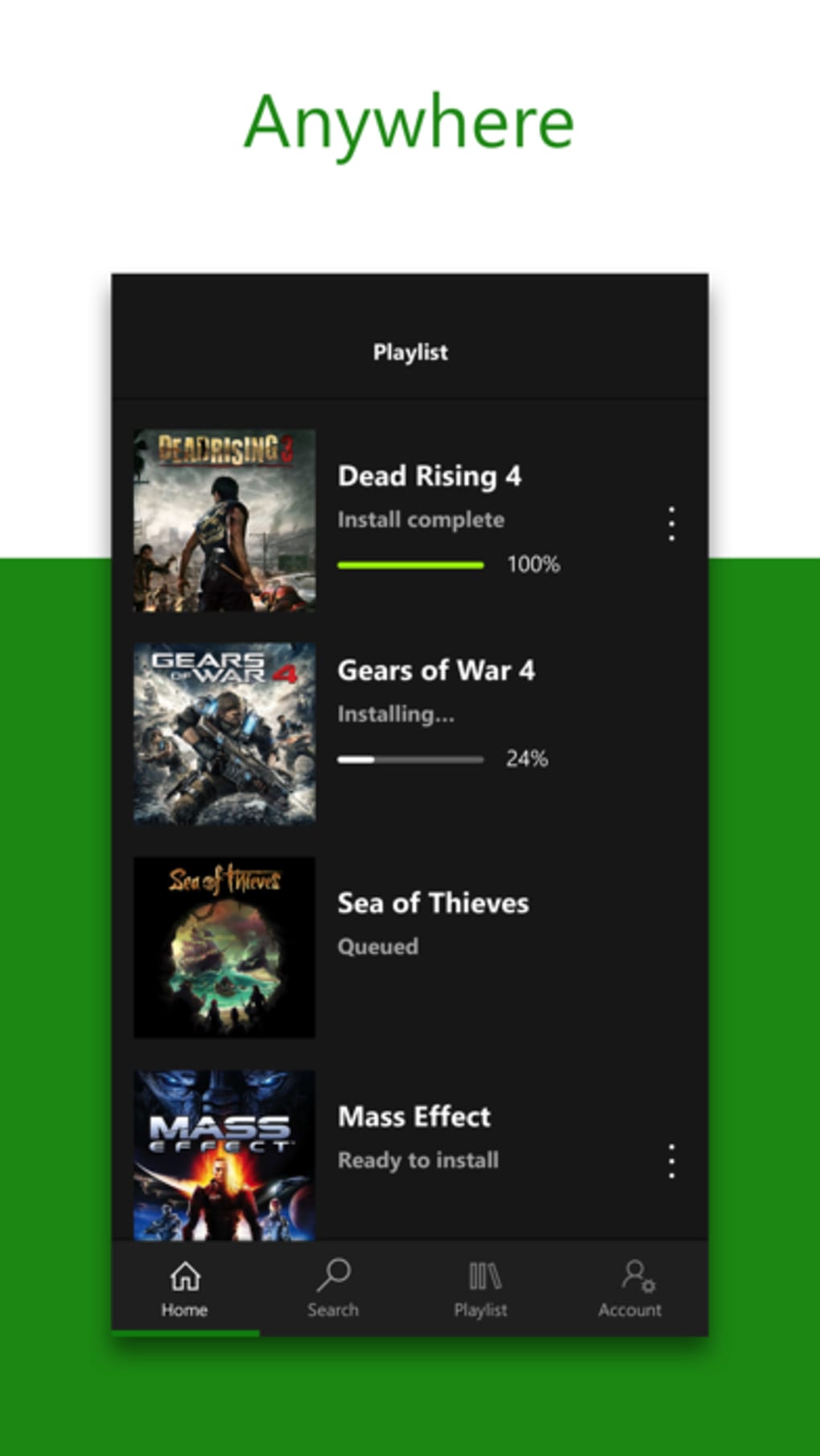
- Game Queue & Installation – Queue games for installation and initiate downloads directly from the game details page.
- Storage Optimization – Receive recommendations for games to uninstall when storage space is limited.
- Microsoft Rewards Integration – View, complete, and redeem points earned through quests, purchases, quizzes, and search engine usage.
- Push Notifications – Receive alerts for available rewards, new game releases, and special offers.
These features are especially useful for users who want to maintain a dynamic game library without constant manual management. The ability to queue and install games directly from the app reduces friction in the gaming workflow. The storage optimization feature helps users manage limited disk space by suggesting which titles to remove. For Microsoft Rewards users, the app acts as a unified dashboard for tracking progress and redeeming benefits, enhancing engagement with the broader Microsoft ecosystem.
User Interface, Workflow & Performance
The user interface of Xbox Game Pass is designed with simplicity and functionality in mind, offering a clean layout that prioritizes game discovery and management. Navigation is intuitive, with a bottom-right corner gamer profile icon providing access to settings and account management. The top-right gear icon allows users to configure device preferences, including selecting a default Xbox One console for remote operations.
Workflow efficiency is enhanced through direct integration with game installation and queueing systems. Users can select a title, review its details, and initiate download or installation with minimal steps. The app also supports background downloads, allowing users to continue working while games are being prepared for play.
Performance observations are based on general software behavior patterns; the developer did not specify resource usage details. Stability and CPU/RAM behavior are not publicly documented. However, the application’s lightweight size of 100 MB suggests efficient resource utilization, which is typical for desktop utilities of this nature.
Compatibility & System Requirements
Xbox Game Pass is available for both Windows and Mac operating systems, making it accessible to a broad user base across desktop platforms. The software version is 1.0, with a file size of 100 MB, indicating a compact and lightweight installation. While the developer did not provide additional system requirements, the application is designed to run on modern desktop systems capable of supporting gaming-related software.
Compatibility with older operating systems was not specified. The developer did not list exact hardware requirements, including CPU, RAM, or GPU specifications. Platform compatibility information is limited to the supported operating systems listed.
Pros and Cons
Pros
- Unlimited access to over 100 Xbox games across multiple console generations
- Seamless integration with Xbox One and PC for remote game management
- Efficient game queueing and background installation capabilities
- Smart storage suggestions to free up space when needed
- Direct access to Microsoft Rewards points and quests
- Lightweight 100 MB installation size
Cons
- Exact system requirements were not listed
- Performance details were not specified by the developer
- Compatibility with older operating systems is unclear
- Some features require a linked Xbox account and active subscription
- Storage optimization recommendations may not suit all user preferences
FAQ Section
Is Xbox Game Pass available on Windows and Mac?
Yes, Xbox Game Pass is compatible with both Windows and Mac operating systems, allowing users to access their game library across multiple desktop platforms.
Can I use Xbox Game Pass without an internet connection?
The app requires an internet connection for initial setup, account authentication, and game downloads. However, once games are installed, they can be played offline.
How do I set up my default Xbox One device?
Tap the gamer profile icon in the bottom-right corner of the app, then select the gear icon in the top-right. From the settings menu, choose "Select default Xbox One" and pick your preferred console from the list of connected devices.
Is Xbox Game Pass free to download and use?
Yes, the software is available at no cost. However, access to the full game library requires an active Xbox Game Pass subscription, which may involve a fee depending on the plan.
Does Xbox Game Pass support Microsoft Rewards?
Yes, the app integrates with Microsoft Rewards, allowing users to view, complete, and redeem points earned through quests, purchases, quizzes, and using Bing as their default search engine.
Final Thoughts
Xbox Game Pass delivers a powerful and convenient way for PC and console gamers to access a vast collection of games with minimal friction. Its ability to manage game installations across devices, integrate with Microsoft Rewards, and offer smart storage suggestions makes it a valuable tool for users invested in the Xbox ecosystem. While specific system requirements and performance metrics were not disclosed, the lightweight design and cross-platform availability enhance its accessibility. For anyone seeking a unified gaming experience across Windows, Mac, and Xbox consoles, this app stands out as a must-have utility.
Download Xbox Game Pass now







